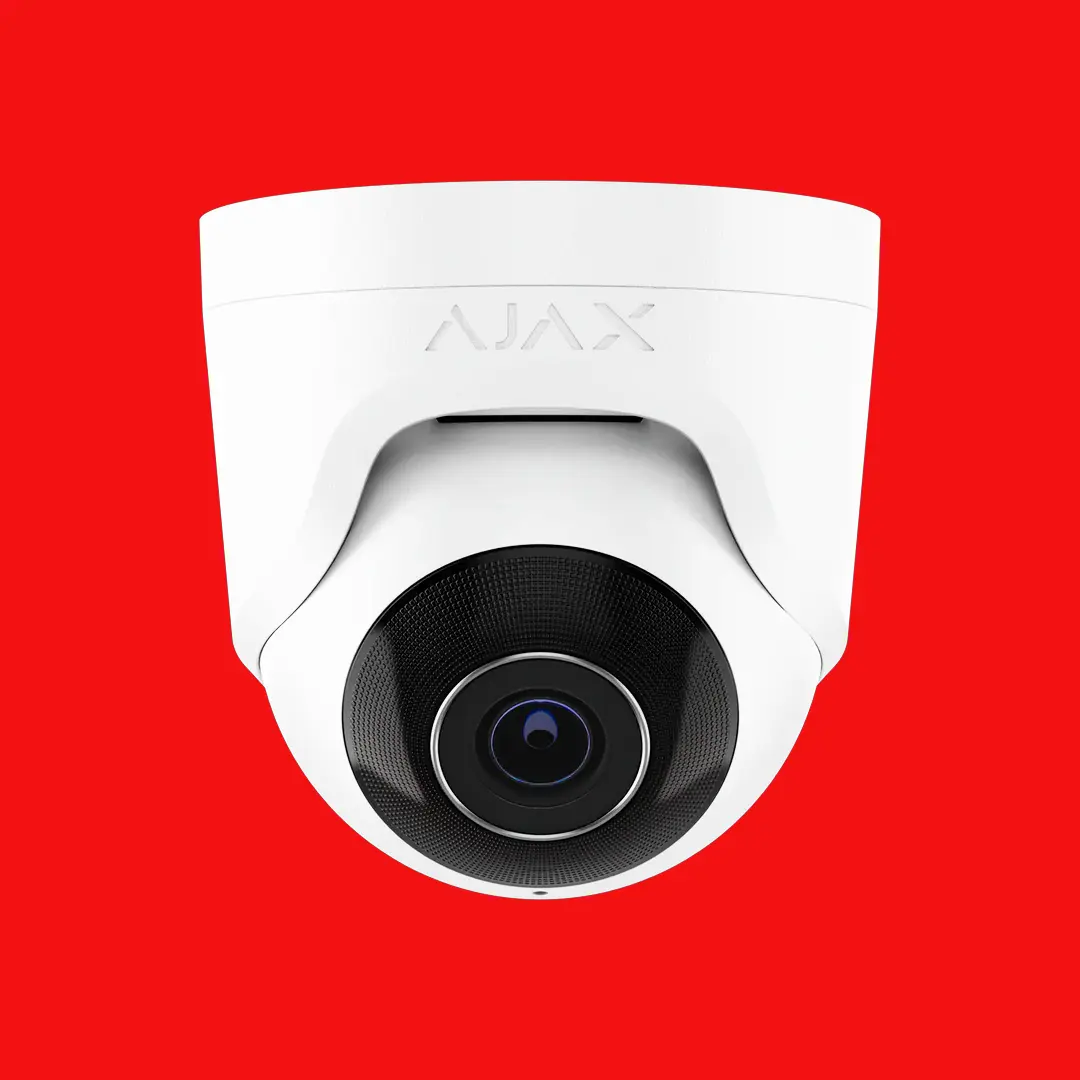
Dirty lenses, failing hard drives, and outdated firmware silently degrade your CCTV system. Regular maintenance ensures your cameras capture clear footage when you actually need it.
A CCTV system is only as good as the footage it produces. Over time, Adelaide's dust, heat, rain, and wildlife take a toll on outdoor cameras. Lenses get dirty, IR LEDs degrade, and housings can develop moisture ingress. Internally, hard drives in your NVR are writing data continuously, and they have a limited operational lifespan.
We have attended countless callouts where a business owner discovered their system had not been recording for weeks or months. The NVR hard drive had failed silently, or a camera had lost its network connection, and nobody noticed until they needed the footage. Regular maintenance catches these issues before they matter.
Our maintenance visits follow a structured checklist covering cameras, recording equipment, network infrastructure, and remote access.
Clean all camera lenses, housings, and dome covers. Remove spider webs, insect nests, and dust buildup. Check and clean IR illuminators for optimal night vision.
Verify each camera is still pointing at its intended coverage area. Storms, vibrations, and bracket loosening can shift angles over time. Readjust as necessary.
Check daytime and night-time image quality on every camera. Confirm resolution, focus, exposure, and IR performance are all within specification.
Run SMART diagnostics on all NVR hard drives to identify wear indicators, bad sectors, and predicted failure. Surveillance-rated HDDs typically last 3 to 5 years under continuous write loads.
Confirm all cameras are recording at the correct resolution and frame rate. Verify retention period is as configured and playback works correctly on stored footage.
Apply the latest firmware to cameras and NVR. Firmware updates patch security vulnerabilities, improve performance, and add new features. We test stability after each update.
Verify network connectivity, remote access via app, and any cloud services. Check PoE switch operation, cable connections, and bandwidth availability.
Inspect all cable runs for damage, weathering, and connection integrity. Check weatherproof junction boxes and connectors for moisture ingress.
If your system uses video analytics (line crossing, intrusion detection, people counting), verify detection zones are correctly configured and sensitivity is appropriate.
The right maintenance frequency depends on your environment and how critical the system is to your operations.
Annual maintenance is sufficient for most home CCTV systems. A single visit per year catches lens buildup, HDD wear, and firmware updates.
Six-monthly maintenance is recommended for business CCTV. More cameras, higher stakes, and harder working equipment justify more frequent attention.
Quarterly maintenance for environments where CCTV failure has significant consequences: cash handling, evidence-critical, regulated industries.
A service agreement gives you predictable maintenance costs, priority support, and the peace of mind that your system is being looked after by the same team that knows your installation. We schedule your visits in advance so you never have to remember to book.
Without scheduled maintenance, most CCTV systems degrade gradually. The issues below are what we commonly find on systems that have not been serviced in two or more years:
We service CCTV systems from all major manufacturers, whether we installed the system or not.
Hikvision
Dahua
Uniview
Axis
Swann
Samsung
Annually for residential systems and every six months for commercial systems. Environments with high dust, extreme heat, or critical recording requirements may benefit from quarterly visits.
Surveillance-rated hard drives (such as WD Purple or Seagate SkyHawk) are designed for continuous write operations and typically last 3 to 5 years. Regular SMART diagnostics during maintenance predict failure before it happens, allowing proactive replacement.
Yes. We service CCTV systems from Hikvision, Dahua, Uniview, and other major brands regardless of who installed them. We assess the system, perform maintenance, and provide a condition report.
Firmware updates patch security vulnerabilities that could allow unauthorised access to your cameras, improve recording stability, and sometimes add new features. Keeping firmware current is essential for any internet-connected CCTV system.
Check your footage on a monitor or app. If the image appears hazy, has visible spots, or night vision shows a bright white glow (from IR reflecting off a dirty dome), your cameras need cleaning. In Adelaide, outdoor cameras typically need cleaning every 6 to 12 months.
Costs depend on the number of cameras and system complexity. A residential system with 4 to 8 cameras is a straightforward visit. Commercial systems with 16 or more cameras take longer. Contact us for a specific quote based on your setup.
Book a maintenance visit or set up a service agreement for ongoing peace of mind.