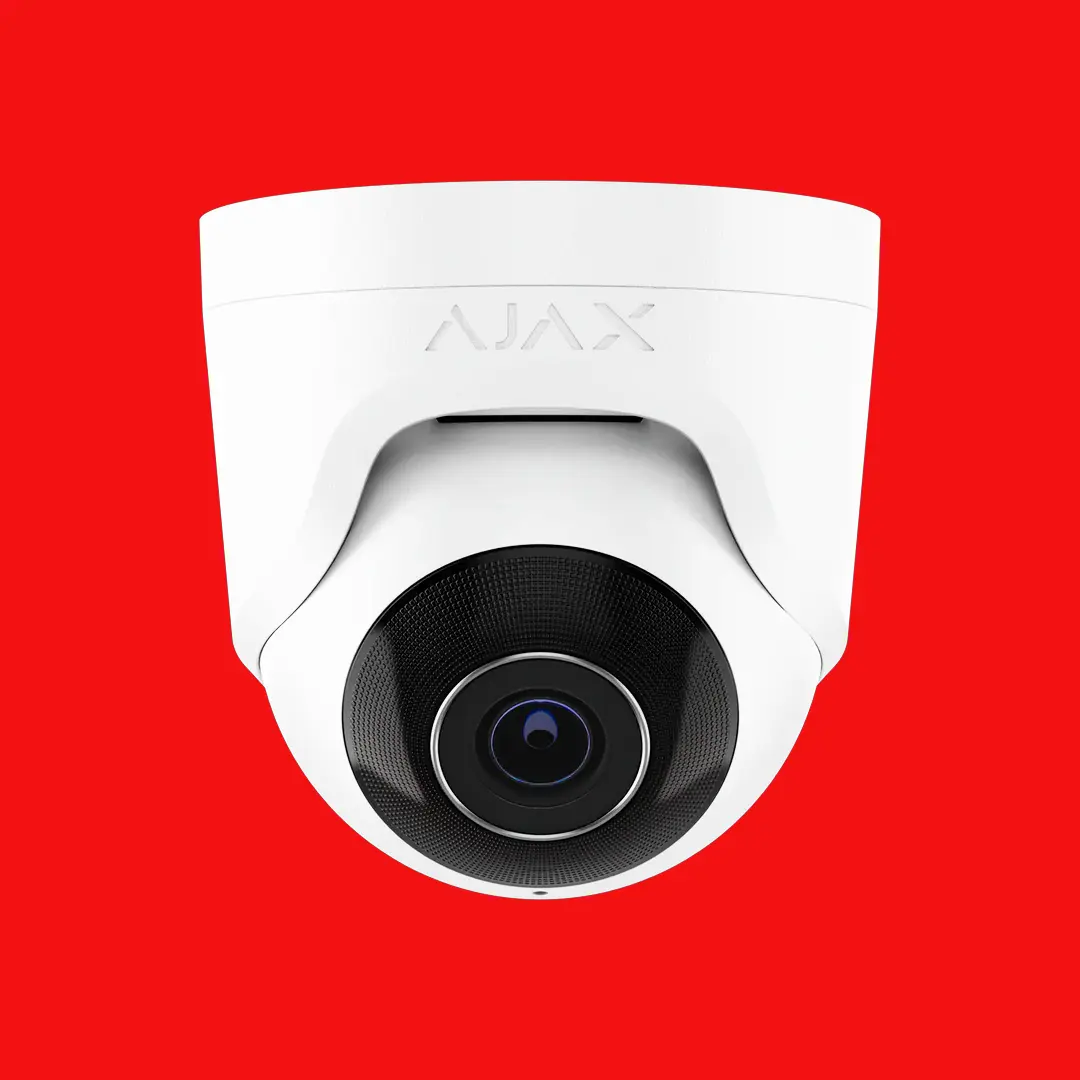
Commercial access control Adelaide
Commercial Access Control Adelaide

Multi-Door Access Control for Adelaide Businesses

Control who enters your building, which areas they can access, and when. Professional access control systems for offices, warehouses, multi-tenancy buildings, and secure facilities across Adelaide.

Licensed installer
Audit trails
Remote management
Scalable solutions

Why businesses move beyond keys and locks

Physical keys are a liability for any business with more than a handful of staff. Keys get lost, duplicated, and shared. When an employee leaves, re-keying locks is expensive and often delayed. Access control eliminates these problems by replacing mechanical keys with electronic credentials that can be instantly issued, modified, and revoked from a central management platform.

  • • Instantly disable lost or stolen credentials.
  • • Know exactly who entered which door and when.
  • • Grant time-restricted access for contractors and visitors.
  • • Eliminate the cost of re-keying when staff change.
  • • Restrict sensitive areas to authorised personnel only.

Credential types we support

  • • Proximity cards (HID, MIFARE): The most common credential for commercial buildings. Tap-and-go convenience.
  • • Key fobs: Compact and convenient for staff who prefer not to carry a card.
  • • Mobile credentials: Use a smartphone as the access credential via Bluetooth or NFC.
  • • PIN codes: Standalone or combined with a card for two-factor authentication.
  • • Biometrics: Fingerprint or facial recognition for high-security areas.

Access control solutions we install

We work with industry-leading access control platforms that scale from a single door to hundreds of doors across multiple sites.

Inner Range

Inner Range Integriti and Inception are Australian-designed platforms used in government, corporate, and critical infrastructure. Integriti scales to thousands of doors with full integration capabilities.

  • • Inception: 1 to 128 doors, browser-based management.
  • • Integriti: Enterprise-scale, unlimited doors.
  • • Native alarm integration.
  • • Australian designed and supported.

Gallagher

Gallagher Command Centre is a trusted platform in high-security environments including airports, data centres, and government facilities. Proven reliability at scale.

  • • Command Centre for enterprise management.
  • • Mobile credentials via Gallagher Mobile Connect.
  • • Perimeter and intruder alarm integration.
  • • Multi-site, multi-tenant architecture.

HID

HID Global is the world's largest access control credential manufacturer. Their iCLASS SE and SEOS platforms provide high-security encrypted credentials used globally.

  • • iCLASS SE readers with encrypted credentials.
  • • SEOS mobile access via HID Mobile Access app.
  • • Compatible with most commercial controllers.
  • • Long-range readers for vehicle access.

Features that make commercial access control effective

Commercial access control is about more than unlocking doors. These features give you genuine control over your building security.

Time Zones & Schedules

Define when each credential is valid. Office staff can access the building Monday to Friday 7am to 7pm, cleaners can enter after hours, and contractors get access only during their scheduled work period. Access outside the permitted window is denied and logged.

Anti-Passback

Anti-passback prevents a credential from being used to enter a zone unless it was first used to exit. This stops tailgating and credential sharing, and provides accurate occupancy counts for emergency evacuation purposes.

Visitor Management

Issue temporary visitor credentials from reception. Visitors receive a card or mobile credential valid for the duration of their visit, with access limited to the specific areas they need. Visitor logs are maintained automatically.

Lockdown & Emergency

In an emergency, trigger a building-wide lockdown from a single command. All doors lock immediately, or unlock for evacuation, depending on the scenario configuration. This capability is essential for schools, hospitals, and government buildings.

Integration with Alarms & CCTV

Link access events to your alarm system and CCTV. When a door is forced open, the alarm triggers and the nearest camera begins recording. Access events are overlaid on CCTV footage for easy review.

Lift & Floor Control

In multi-storey buildings, restrict lift access by floor. Tenants can only access their own floor and shared areas like the car park and lobby. This is critical for multi-tenancy office buildings and residential apartments.

Where commercial access control makes the biggest difference

Office Buildings

Control main entry, individual office suites, server rooms, and car park barriers. Manage access for staff, tenants, cleaners, and visitors from a single platform.

Warehouses & Logistics

Secure loading docks, storage areas, and offices separately. Track who accessed what area and when for inventory control and incident investigation.

Schools & Universities

Secure perimeter gates, classroom blocks, and administration areas. Lockdown capability provides critical protection during emergency situations.

Medical Facilities

Restrict access to drug storage, patient records, and treatment areas. Maintain compliance with healthcare regulations through auditable access logs.

Strata & Apartments

Common area access for residents, lift floor control, visitor intercoms, and car park entry. Manage resident credentials centrally through the strata manager.

Government & Secure Sites

Multi-factor authentication, mantrap airlocks, and full audit compliance. Systems designed to meet government security standards for sensitive environments.

Our access control installation process

1. Requirements analysis

We discuss your access requirements, number of doors, user count, credential preferences, and integration needs with existing alarm and CCTV systems.

2. Site survey

We inspect each door to assess lock hardware, wiring routes, power availability, and network connectivity. Existing door frames and lock compatibility are evaluated.

3. System design

We specify controllers, readers, lock hardware, and credential types. You receive a detailed proposal with a door schedule showing equipment at each location.

4. Installation

Professional installation of readers, lock hardware, controllers, and cabling by licensed security technicians. We work around your operational hours to minimise disruption.

5. Configuration

Users, access levels, time zones, and integrations are configured. Each door is tested for correct operation in both normal and emergency modes.

6. Training & handover

We train your administrators on user management, reporting, and day-to-day operations. Ongoing support is available for adding users, adjusting access levels, and troubleshooting.

Access control frequently asked questions

How many doors can a single system control?

It depends on the platform. Inner Range Inception handles up to 128 doors. Integriti and Gallagher Command Centre can scale to thousands of doors across multiple sites, all managed from a single interface.

What happens if the system loses power?

Access control panels include battery backup that maintains operation during power outages. Electric locks can be configured to fail-safe (unlock on power loss for evacuation) or fail-secure (remain locked on power loss for security), depending on the door's function.

Can I manage access remotely?

Yes. Modern access control platforms provide browser-based or app-based management. You can add and remove users, change access levels, unlock doors, and view event logs from anywhere with an internet connection.

Can access control integrate with our alarm system?

Yes. We regularly integrate access control with alarm systems and CCTV. For example, the alarm can auto-disarm when the first staff member badges in each morning, and auto-arm when the last person exits at night.

How do I handle contractor and visitor access?

Temporary credentials can be issued with a defined start and end date, restricted access areas, and time-of-day limits. When the credential expires, access is automatically revoked. Visitor logs are maintained for compliance and audit purposes.

What is anti-passback and why does it matter?

Anti-passback requires a user to badge out before they can badge in again. This prevents credential sharing (one card being passed back to let a second person through) and provides accurate occupancy data, which is critical for emergency evacuation counts.

Ready to control access to your Adelaide building?

Get a tailored access control solution designed for your building, your staff, and your security requirements.