Office security systems Adelaide: access control, CCTV and alarms for commercial buildings
Office Security

Office Security Systems for Adelaide Offices and Commercial Buildings

Card access, CCTV monitoring, and alarm systems designed for office buildings, co-working spaces, and commercial suites across Adelaide's CBD and business parks.

Security challenges in office environments

Modern offices face evolving security threats, from opportunistic theft to targeted data breaches. With flexible working and shared building access, traditional lock-and-key approaches no longer suffice.

After-Hours Break-ins

Offices in Adelaide's CBD and suburban business parks are vulnerable overnight and on weekends when buildings are empty and foot traffic drops.

Laptop & Equipment Theft

High-value electronics including laptops, monitors, and servers are prime targets. A single break-in can cost tens of thousands in hardware and lost data.

Unauthorised Building Access

Multi-tenant buildings, co-working spaces, and shared floors create challenges in controlling who accesses your office space during and outside business hours.

Server Room Security

Server rooms and IT infrastructure areas contain sensitive data and expensive equipment. Physical access must be restricted and logged for compliance purposes.

Visitor Management

Clients, contractors, and delivery personnel need controlled access. Without proper systems, visitors can move freely through areas they should not access.

Employee Safety

Late-working employees, particularly in ground-floor offices, need to feel safe. Reception areas, car parks, and entry points should be monitored for their protection.

Our office security solutions

We design clean, professional security installations that complement your office environment. Whether you occupy a floor in an Adelaide CBD tower or a standalone office in Kent Town, we tailor the system to your specific tenancy and access needs.

  • * Card and mobile credential access control for doors and lifts.
  • * Discreet CCTV covering reception, corridors, and entry points.
  • * After-hours alarm systems with professional monitoring.
  • * Server room access control with audit trail logging.
  • * Video intercom for after-hours visitor verification.
  • * Integration with building management systems.

Smart access for modern offices

Today's offices need flexible access. We install systems that support card, fob, PIN, and mobile phone credentials, allowing you to grant, revoke, and schedule access permissions from a web dashboard.

When staff leave the company, their access is removed instantly. When contractors need temporary access, you set an automatic expiry. No more worrying about unreturned keys.

Book an Office Assessment

What an office security system includes

Most office enquiries we take start with one problem: keys. Staff come and go, contractors need the door after hours, and nobody is sure how many keys are out. An office security system replaces that with four parts that work together, and you can start with the doors and add the rest later.

Office access control

Readers on the entry, the back door and the internal doors that matter: reception to office, office to server room, office to warehouse or workshop. A typical small office is three to five doors. Readers accept swipe cards, fobs and phones, so a new starter can be added from a laptop and a departed staff member removed in seconds.

Commercial access control

Office CCTV

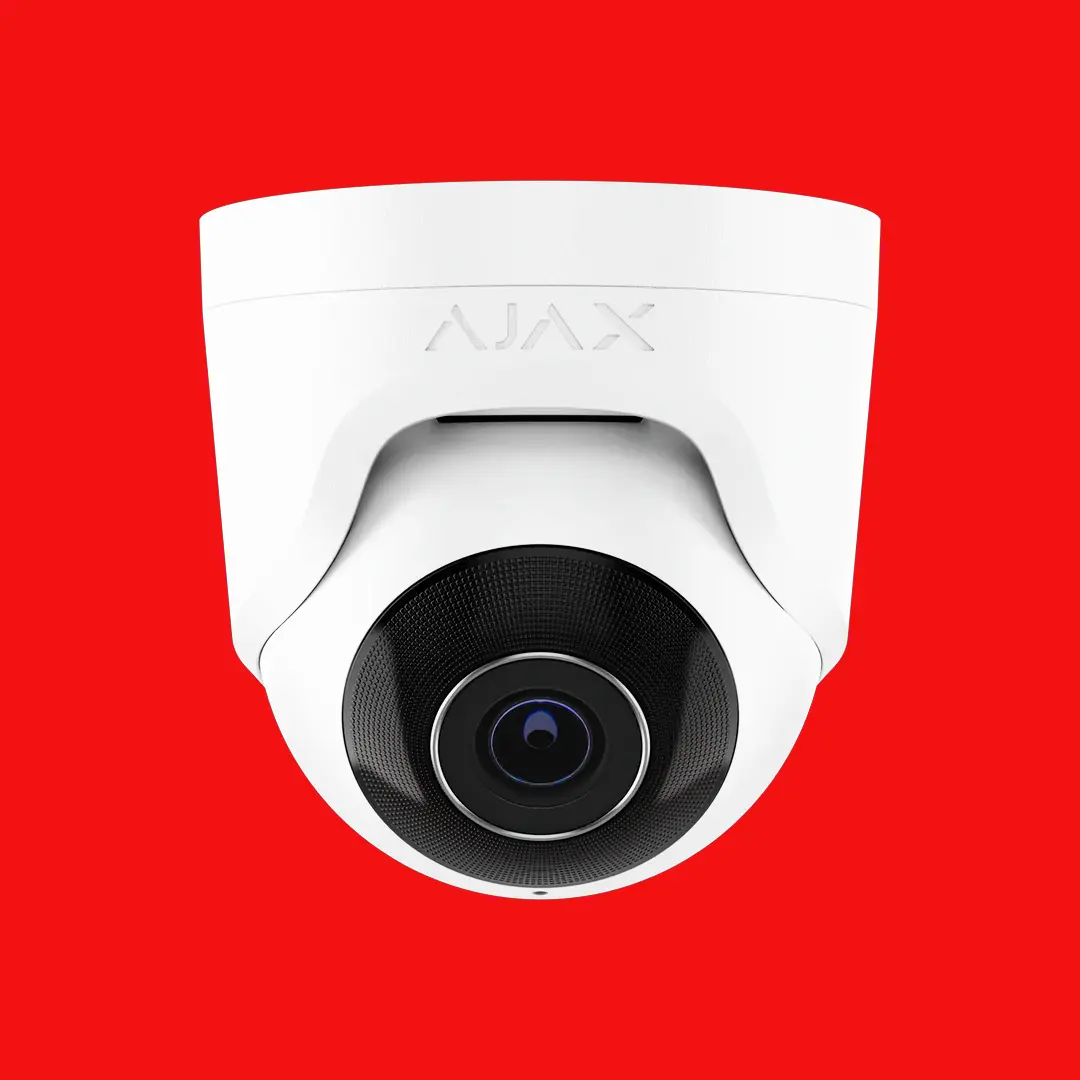
A face-height camera on the entry and reception so every visitor is identifiable, cameras on the car park and loading or rear door, and coverage of the server room door and any workshop or storage area. Footage is viewable from the same phone app your managers already use, and we design around desks and screens so client and staff privacy is respected.

Commercial CCTV installation · CCTV maintenance

Office alarm system and monitoring

Detectors through the office and any attached workshop, contacts on the rear door and roller door, and open/close reporting so you know the building was actually armed each night. A roller door left open overnight is one of the most common reasons an office calls us; a monitored alarm with a door-left-open alert catches it the first time.

Commercial alarm systems · Alarm monitoring

Video intercom and visitor entry

A video intercom at the street or lobby door lets reception see and release visitors, couriers and after-hours contractors without walking to the door. In multi-tenancy buildings each office gets its own call button and can release the door from a desk phone or app.

Intercom systems

Office and warehouse under one roof

Many Adelaide businesses run an office at the front and a warehouse or workshop behind it. We zone the two separately: office staff get the front doors, warehouse staff get the roller door and the office-to-warehouse door, and the alarm can be armed in the warehouse while the office is still working. See warehouse security systems for the warehouse side.

Moving or fitting out a new office

A move is the easiest time to get security right. We work from the fit-out plan so readers, cameras and detectors are cabled before the ceilings close, and if you already run a system at another site we match its card format and user structure so one head office can manage both. Ongoing alarm servicing keeps the system tested once you're in.

Office types we secure

Corporate Offices

Multi-floor corporate tenancies with reception, meeting rooms, executive areas, and secure document storage.

Co-Working Spaces

Shared office environments with hot desks, private offices, and meeting rooms requiring multi-tenant access control.

Professional Suites

Accounting firms, law offices, and consulting practices with confidential records and client-facing areas.

Business Parks

Suburban office complexes with shared car parks, common areas, and multiple independent tenancies.
Our office security implementation process

1. Office walkthrough

We survey your tenancy, building common areas, car park, and entry points to map your complete security requirements.

2. Access zone planning

We define access zones including general office, restricted areas, server rooms, and after-hours schedules.

3. Landlord coordination

We liaise with building management regarding cable routing, building system integration, and any required approvals.

4. Professional installation

Tidy cabling, concealed conduit, and discreet camera placement that matches your office aesthetics.

5. Credential programming

Staff cards or mobile credentials are programmed with appropriate access levels. Admin staff receive management training.

6. Handover & support

Office managers are trained on the system dashboard, credential management, alarm operation, and footage review.

Office security FAQs

Can we use mobile phones instead of access cards?

Yes. Modern access control readers accept cards, fobs and mobile credentials (Bluetooth or NFC) on the same door, so some staff can use their phone while contractors or part-timers carry a card. Credentials are managed from one dashboard either way.

How do we manage access when staff leave?

You deactivate the credential from the dashboard and it stops working at every door immediately. We also recommend an access audit every few months so only current staff hold active permissions.

Can the alarm arm automatically after business hours?

Yes. We schedule automatic arming at your close-of-business time and disarming before opening. Staff working late disarm with their own code or credential and the system re-arms when they leave, and the open/close report shows who did what.

Will cameras work in our multi-tenant building?

We install cameras within your tenancy and can connect to building common-area systems where building management permits. Your footage stays separate from other tenants and the building's own cameras.

What about server room access?

A dedicated reader on the server room door with audit logging, plus a camera covering the doorway. Access can be limited to named IT staff and to set time windows.

We're moving offices. Can the system be designed before we move in?

Yes, and it's the best time to do it. We work from the fit-out plan to position readers, cameras and detectors before ceilings close, so cabling is concealed and doors are ready on day one. If you already run a system at another site we can design the new office to match its card format and user structure.

How often should an office alarm and duress buttons be tested?

Alarms should be tested regularly and serviced on a schedule; many businesses run a quarterly check that covers detectors, the backup battery, communicator and any duress buttons at reception. We can set this up as a servicing plan; written reports after each visit can be scoped and quoted if you need them.

What does an office security system cost?

It depends on the number of doors you want controlled, how many cameras and which areas they cover, whether a warehouse or workshop is attached, whether the alarm is monitored, and how much existing cabling or equipment can be reused. Get in touch through our contact page and we'll scope it against your floor plan.

Can you take over an office's existing alarm, cameras or readers?

Often, yes. We check whether the existing panel, recorder and door controllers can be reprogrammed and supported, keep what works and replace only what doesn't. You'll need the installer or master codes, or we'll advise on the options if they can't be found.

Secure your Adelaide office

Professional security systems that protect your people, data, and equipment without disrupting your work environment.